


Adam Expo Stand planning guide · Updated 11 October 2026
Quick answer: Exhibition stand screen content should communicate its main message without relying on sound. Confirm the screen and player specifications first, then prepare readable text, captions where needed, a clear next step and a tested playback file. A video that looks good on a laptop still needs a stand-level acceptance check.
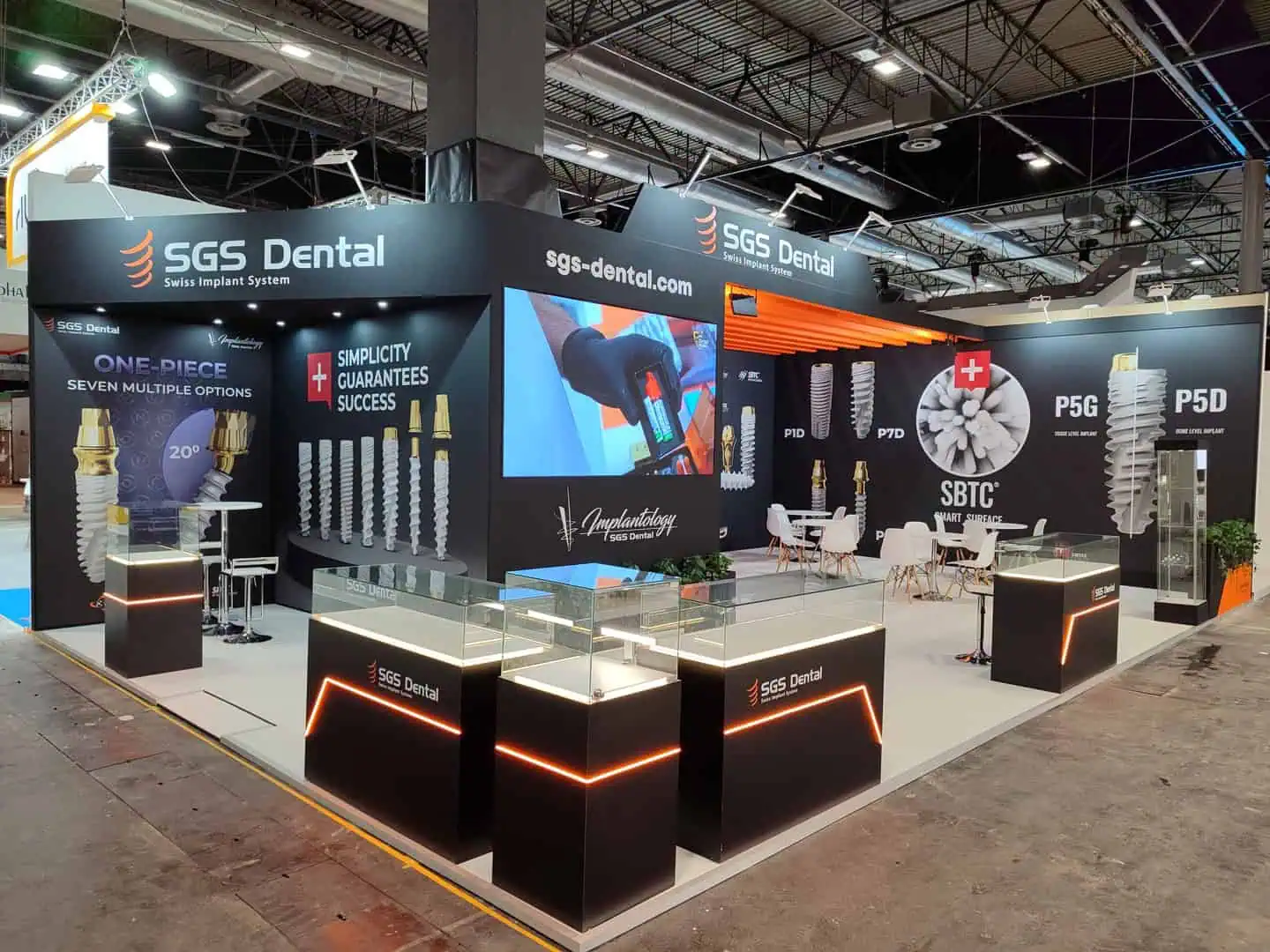
What belongs in the screen-content brief?
Define the job of each screen before commissioning a video. An aisle-facing screen may introduce one product benefit; a screen beside a demonstration may explain a process. A meeting screen serves a different audience again. Give each location a specific message and action so the team does not play the same long corporate film everywhere.
Ask the audiovisual supplier to confirm the actual display orientation, pixel dimensions, player compatibility and delivery method. Do not infer the required file from a screen’s diagonal size. An LED wall may have a custom canvas; a portrait display needs an intentional portrait composition.
Copy this audiovisual handoff template
| Decision | Record in the brief | Acceptance check |
|---|---|---|
| Purpose | Audience, message and next action | A visitor can explain the point |
| Canvas | Orientation and supplier-confirmed pixels | No stretching, cropping or empty borders |
| Playback | File type, codec and player agreed with supplier | File runs on the actual device |
| Language | English, Spanish or separate versions | Correct version at each screen |
| Text and captions | Readable overlays and reviewed captions | Legible from the intended viewing position |
| Delivery | File name, version, approver and backup | Only the approved version plays |
Design for visitors who cannot hear the audio
Put essential information in the visual story. Show the product, explain the relevant benefit and give a clear way to speak to staff. Avoid long paragraphs and tiny disclaimers that force viewers to stand unusually close. Test contrast and readability at the planned viewing position, with the actual content and surrounding lighting.
For speech-led video, include accurate captions. W3C’s caption guidance explains that captions convey speech and relevant non-speech audio, and that automated output needs accuracy checks. Review technical terminology and names rather than accepting an automatic transcript unchanged.
When serving English- and Spanish-speaking audiences, separate versions can be clearer than filling the screen with two full blocks of text. Alternatively, use short bilingual labels where the layout supports them. Ask a fluent reviewer to check the final rendered video, since translations can change line length and timing.
Build a loop that makes sense at any entry point
Visitors rarely arrive at the opening frame. Give individual sections enough context to stand on their own, and repeat the route to a conversation naturally. There is no universal ideal loop length: test whether someone arriving halfway through can understand the offer before moving on.
For example, a manufacturer could rotate a product overview, a short process sequence and a prompt to ask for a sample. Label this as an illustrative structure, then adapt it to the actual visitor task. Keep dated offers and event-specific stand numbers in a version that can be replaced for the next exhibition.
Test the complete playback chain
Check the approved file on the supplied player and screen before opening. Confirm start-up, looping, captions, orientation and recovery after the agreed shutdown procedure. Keep an approved local backup and name the person who can change the playlist. For live software presentations, also use the live demonstration connectivity and backup checklist.
At IFEMA Madrid, audiovisual equipment is listed among the official exhibitor services. Confirm the event-specific ordering route and what your stand supplier includes before assuming the screen, player or content production is in the quotation.
Frequently asked questions
Is a 4K file always the right choice?
No. Use the specification agreed for the actual display and player. Resolution alone does not guarantee correct playback or readable content.
Can the screen video run silently?
Yes, when the essential message is understandable visually. Provide captions for meaningful speech and audio information, and test the result with sound off.
Should a QR code be the only next step?
Provide a visible alternative, such as asking a staff member. Test any QR destination and scan distance on the installed screen.
Coordinate the screen with the stand
Adam Expo Stand can integrate screen positions and supporting infrastructure into an agreed design. Share your screen list and content brief to coordinate placement, visibility and supplier responsibilities. Review interactive stand features alongside the visitor activity each device must support.
Follow our exhibition planning guides
Choose Adam Expo Stand as a preferred source to help you find our exhibition guides and updates on Google.
Add as a preferred source on GoogleGoogle may ask you to sign in and confirm your choice.


