To communicate with international visitors at FITUR, plan language coverage around the people you intend to meet. Prepare clear messages, reviewed translations, suitable staff and a way to continue a conversation when the right colleague is unavailable.
The official FITUR website lists the next edition as 20–24 January 2027 at IFEMA Madrid. Check current attendance and working arrangements before organising appointments or staff.
Build a language plan from your meeting list
Ask account teams which languages their target contacts prefer. Record the language, subject, host and any interpreting requirement for each planned meeting. Do not infer someone’s preferred language or communication style from nationality alone.
List who can welcome visitors, explain the offer, discuss technical details and handle commercial terms in each language. Everyday conversation and specialist negotiation are different capabilities. Arrange appropriate interpreting support for discussions the team cannot cover accurately.
Translate the important information first
Prioritise the main offer, product or destination names, appointment information and next steps. Prepare a short glossary for terminology, place names, inclusions and exclusions. Have a competent reviewer check important translations against the intended meaning.
Use consistent names and current facts across screens, brochures and websites. Label language versions clearly and make QR links lead to the intended page. Test the final printed codes and mobile pages before travel.
Make graphics readable without overcrowding them
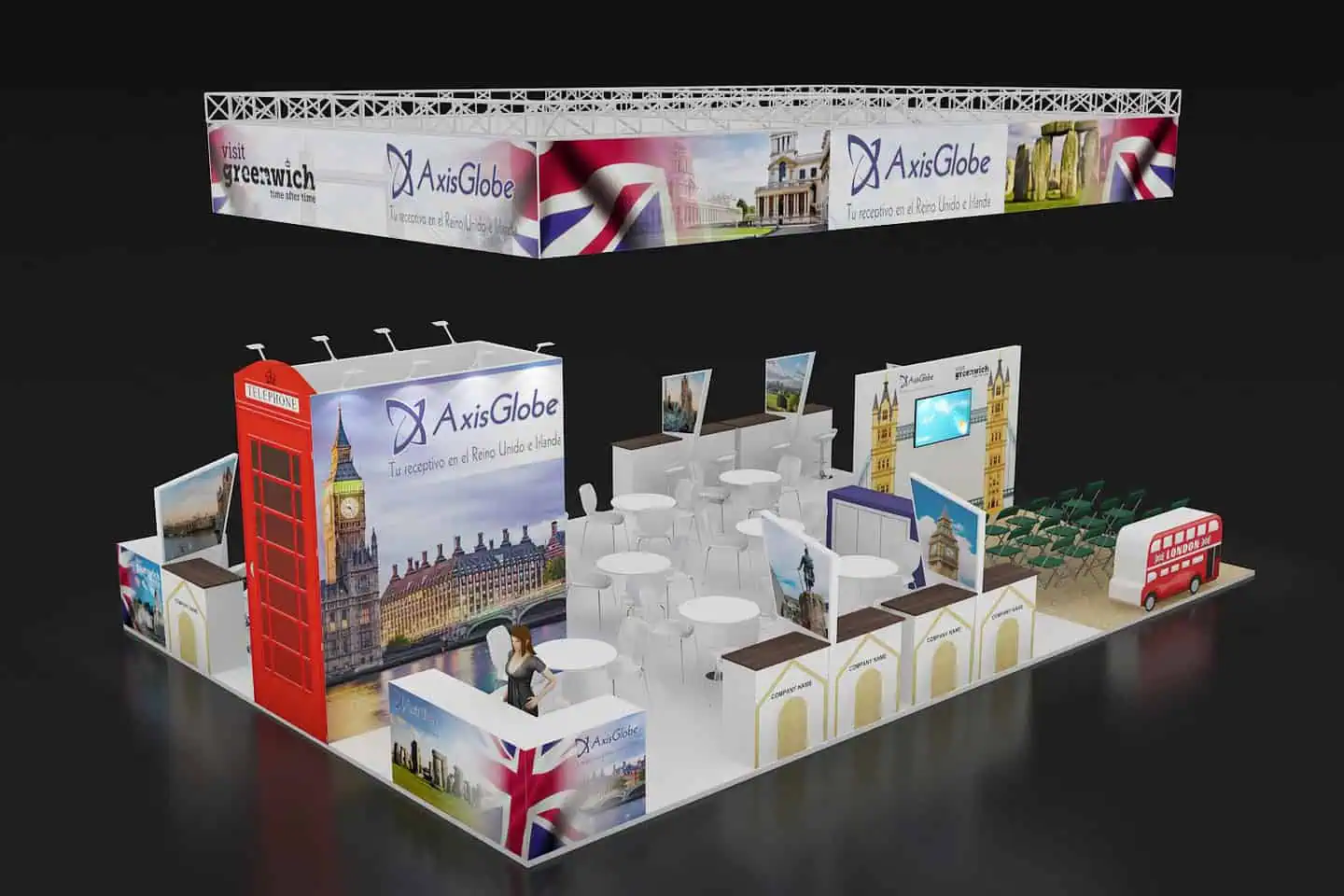
Use a clear hierarchy: who you are, what you offer and where to ask for help. Several complete translations on every panel can make all versions harder to read. Decide which messages belong on the main graphic and which belong in selectable digital or printed material.
Review text at its actual size and viewing distance. Keep key information away from joints, counters and places where people will stand. Explain language selection on interactive displays and provide captions where useful.
Use translation tools with a clear limit
A translation tool may assist with a short everyday exchange. Check important names, figures and commitments with the visitor and a competent colleague. Do not use an unreviewed machine translation as the final basis for technical or contractual promises.
Use tools approved by your organisation and avoid entering confidential information into an unapproved service. Prepare reviewed offline material or a way to book a later conversation if connectivity or language coverage fails.
Brief reception and meeting hosts
Teach the team how to ask a visitor’s preferred language, find the relevant colleague and explain a wait or follow-up arrangement. A courteous welcome helps, but it does not replace product knowledge.
Keep appointment and visitor details out of public screens. Provide a clear handover between reception, presenter and meeting host. Explain practical needs individually instead of relying on cultural stereotypes.
Check whether the language plan worked
Record the preferred language and promised material through your approved contact process. Assign an owner to follow-up and review the translation before sending important information.
After FITUR, review unresolved language requests, completed meetings, missing materials and feedback. Distinguish these operational findings from sales results; a multilingual sign does not guarantee a commercial outcome.
Questions for your stand brief
Which languages should appear on the stand?
Choose them from target visitors and meetings, then decide what belongs on graphics, screens and supporting material.
Do we need an interpreter?
Assess the complexity and importance of discussions against the team’s actual language skills. Arrange qualified support where needed.
Our FITUR planning guide covers the wider brief. Share your language, content and meeting requirements with Adam Expo Stand when discussing a tourism stand.
Follow our exhibition planning guides
Choose Adam Expo Stand as a preferred source to help you find our exhibition guides and updates on Google.
Add as a preferred source on GoogleGoogle may ask you to sign in and confirm your choice.