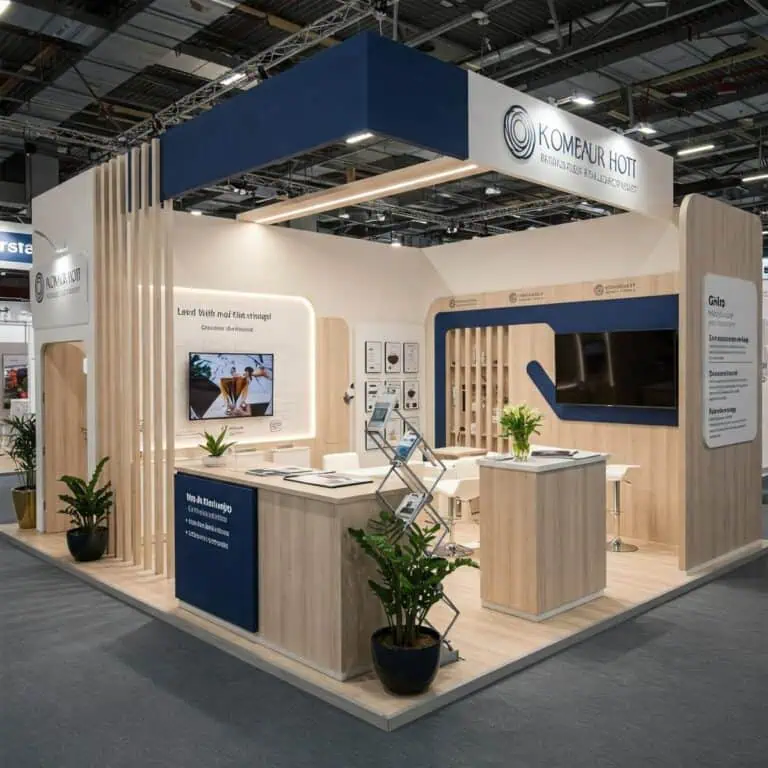
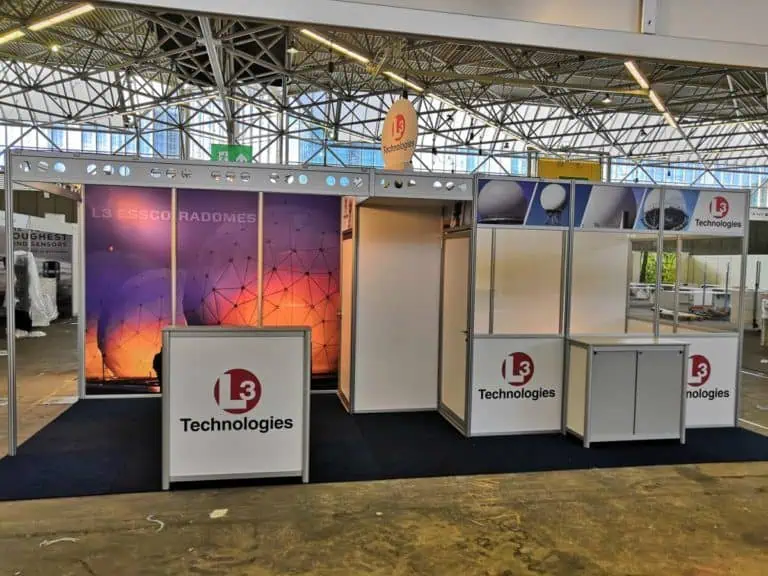
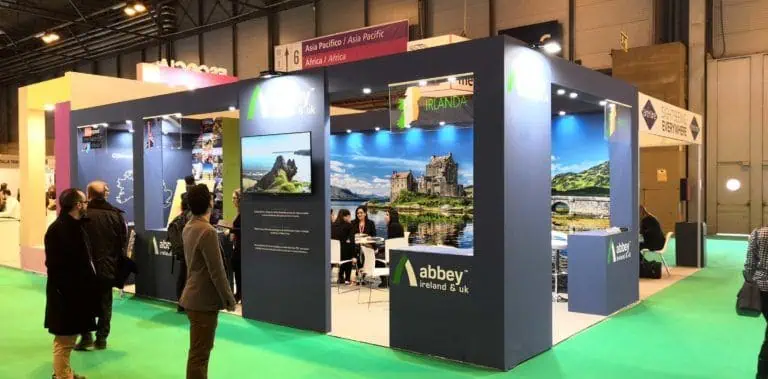
3D booth design is the development of a proposed exhibition space as a digital three-dimensional model. The model can show relationships between structures, products, graphics and furniture. It works alongside the brief, drawings and specifications; it does not make every detail correct or approved simply because it looks realistic.
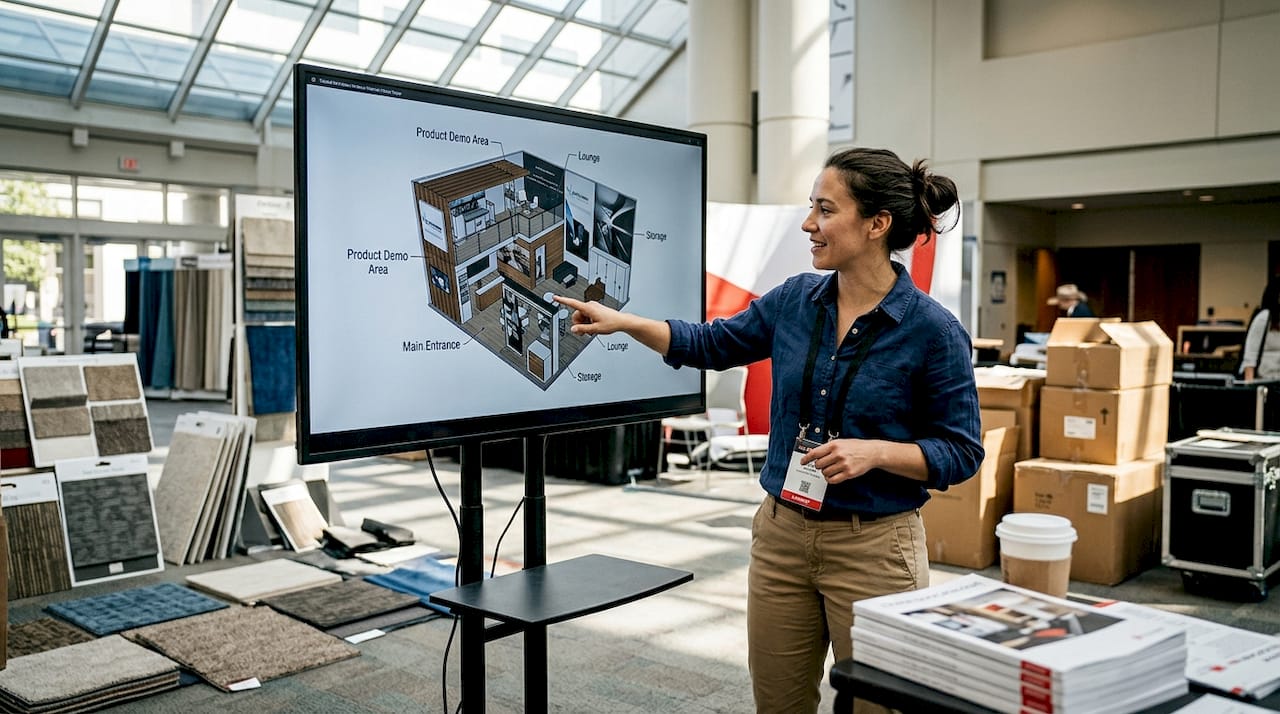
What does 3D booth design include?
The scope varies by project. A concept model may communicate a layout and visual direction. A developed model may include specified components and coordinated service information. An image exported from either is a view of the model, not the model itself.
Ask the supplier to identify the intended use and detail level. Confirm what is modelled accurately, what is representative and what remains to be designed. “3D design included” does not tell you whether fabrication drawings, calculations, graphic artwork or organiser submissions are included.
Understand the main terms
| Term | Meaning for the exhibitor |
|---|---|
| Model | The digital representation from which views or other outputs may be produced. |
| Rendering | An image presenting selected geometry, materials, lighting and camera settings. |
| Plan and elevation | Views used to communicate placement, shape and checked dimensions. |
| Walkthrough | A way to explore views in sequence, on a screen or with suitable equipment. |
| Specification | The documented requirements for materials, finishes, products and other deliverables. |
| Production documents | The information the responsible teams need to fabricate, order and install the agreed stand. |
How does the process work?
- Confirm the inputs. Use the actual plot and current event information, with product dimensions, activities, brand assets and budget scope.
- Compare concepts. Review how the main functions fit before investing in detailed finishes or animation.
- Develop the selected option. Coordinate products, furniture, services and proposed materials with the responsible teams.
- Resolve practical questions. Review access, demonstrations, storage, meetings and assembly requirements using suitable evidence.
- Record approvals. Identify the revision, approved scope, conditions and remaining technical or organiser requirements.
- Release and control changes. Issue the applicable production information and assess later changes for cost, programme and approval effects.
The 3D exhibition stand design guide covers the brief. The model is useful only to the extent that the inputs, decisions and resulting documents are managed correctly.
Do 2D drawings and physical samples still matter?
Yes. Plans and dimensions remain useful for checking relationships that are difficult to judge from a perspective view. Physical samples and proofs help confirm materials and graphics. These methods can complement modelling rather than represent competing approaches.
SketchUp’s dimension documentation explains distinctions between paper space, model space and projected distances. The practical lesson for a review is to request checked dimensions and units, not measure a screenshot by eye.
A model also needs appropriate construction detail. A seamless digital joint may require visible hardware, access for assembly or a different physical method. Ask the fabricator to flag those differences before approving appearance and cost.
Check event constraints for the actual stand
There is no single European height allowance or construction rule that can safely be applied to every event. Check the specific hall, plot, organiser and current documents for the proposed structure, services and activities. Assign responsibility for submissions and technical review.
IFEMA’s regulations directory, for example, separates different locations and event arrangements. Use the applicable documents rather than a generic range copied into a model brief.
Assess cost and reuse with evidence
Design fees depend on scope, detail, revisions and outputs. Confirm included work and additional charges rather than applying a universal premium, saving percentage or turnaround time. Digital revisions still require work and may change approved orders.
For reusable structures, confirm system compatibility, permitted configurations, ownership, packing, transport, storage and repairs. Do not assume all modular systems are tool-free, all plots accept the same layout or reuse automatically lowers the complete programme cost.
Measure the actual project if you want to assess the modelling process: record issues identified, changes made, costs and later installation outcomes. Without a valid comparison, a claim that 3D design reduces rework by a fixed percentage is unsupported.
Frequently asked questions
Do we need a VR headset?
No. Screen views and dimensioned drawings can support many decisions. Consider VR for a specific review purpose, check comfort and provide another way to participate.
Does the model automatically confirm compliance?
No. Any automated checks depend on the tool, its rules and model data. Required technical evidence, responsible reviews and event approvals still need to be identified and completed.
How long will the design take?
Ask for a programme based on the actual brief, review rounds, technical work and event deadlines. Resolve unknown inputs early and agree how changes affect that programme.
When contacting Adam Expo Stand, ask for an itemised design scope and the route from concept review to approved production documents.
Follow our exhibition planning guides
Choose Adam Expo Stand as a preferred source to help you find our exhibition guides and updates on Google.
Add as a preferred source on GoogleGoogle may ask you to sign in and confirm your choice.