
Exhibition Stand Screen Content: Silent Video Brief
Prepare exhibition stand screen content that works without sound. Use a video brief for screen format, captions, language, playback and on-site testing.

 English
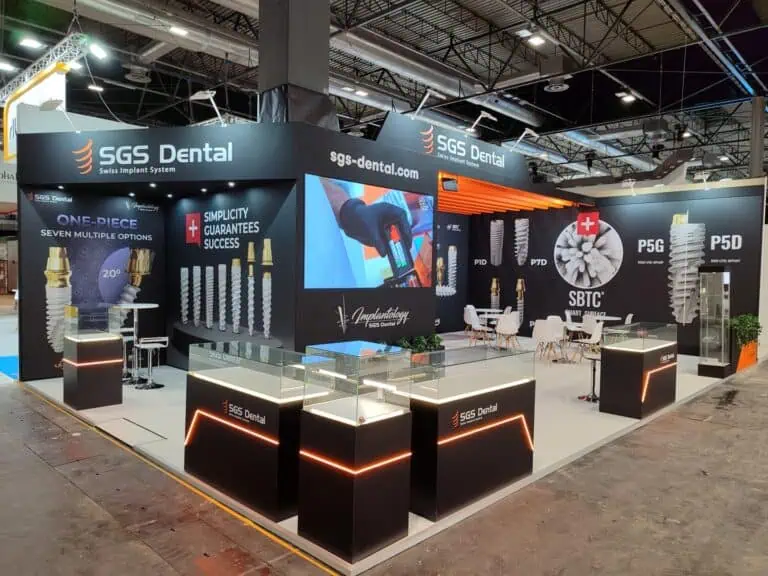
Prepare exhibition stand screen content that works without sound. Use a video brief for screen format, captions, language, playback and on-site testing.

Control trade show sample inventory with a stock template, restocking calculation and daily reconciliation. Separate display items, loans and giveaways.
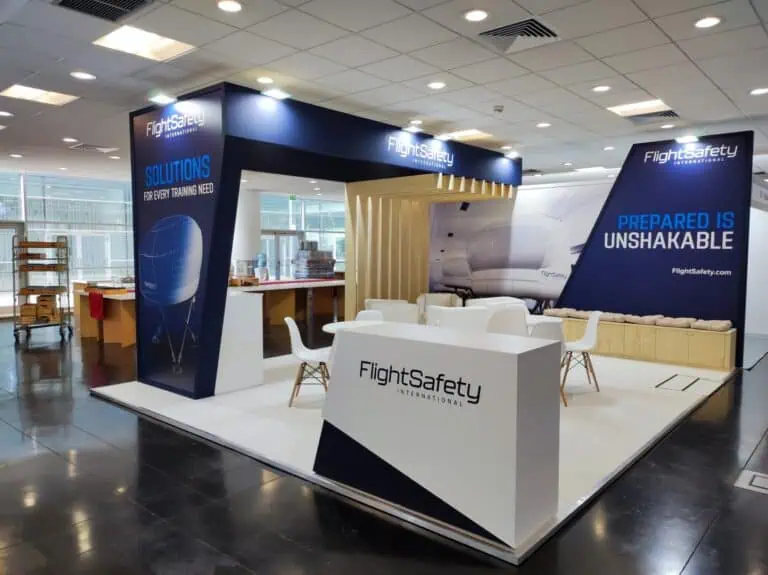
Plan trade show meeting capacity with a booking worksheet, worked example and queue rules. Match tables, staff and appointment times to your stand.
Create a reusable stand condition report with component IDs, photos, packing references, repair decisions and checks before the next exhibition.
Use an exhibition stand change request to record scope, cost, timing, drawing revisions and approval before altering an agreed design or build.
Prepare a trade show live demo with connectivity checks, approved test data, offline alternatives, recovery steps and a practical rehearsal checklist.
Plan exhibition stand power with an equipment schedule, socket locations, operating hours and approval checks before ordering venue electrical services.
Approve exhibition stand artwork with a 12-point checklist covering dimensions, panel joins, colour, fonts, QR codes, proofs and version control.

Use this 24-point exhibition stand handover checklist to review layout, graphics, power, AV, cleaning and support before your next trade show opens.
Learn what to include in an exhibition stand brief: visitor activities, provisional decisions, supplier scope, approvals, handover and reuse.
End of content
End of content