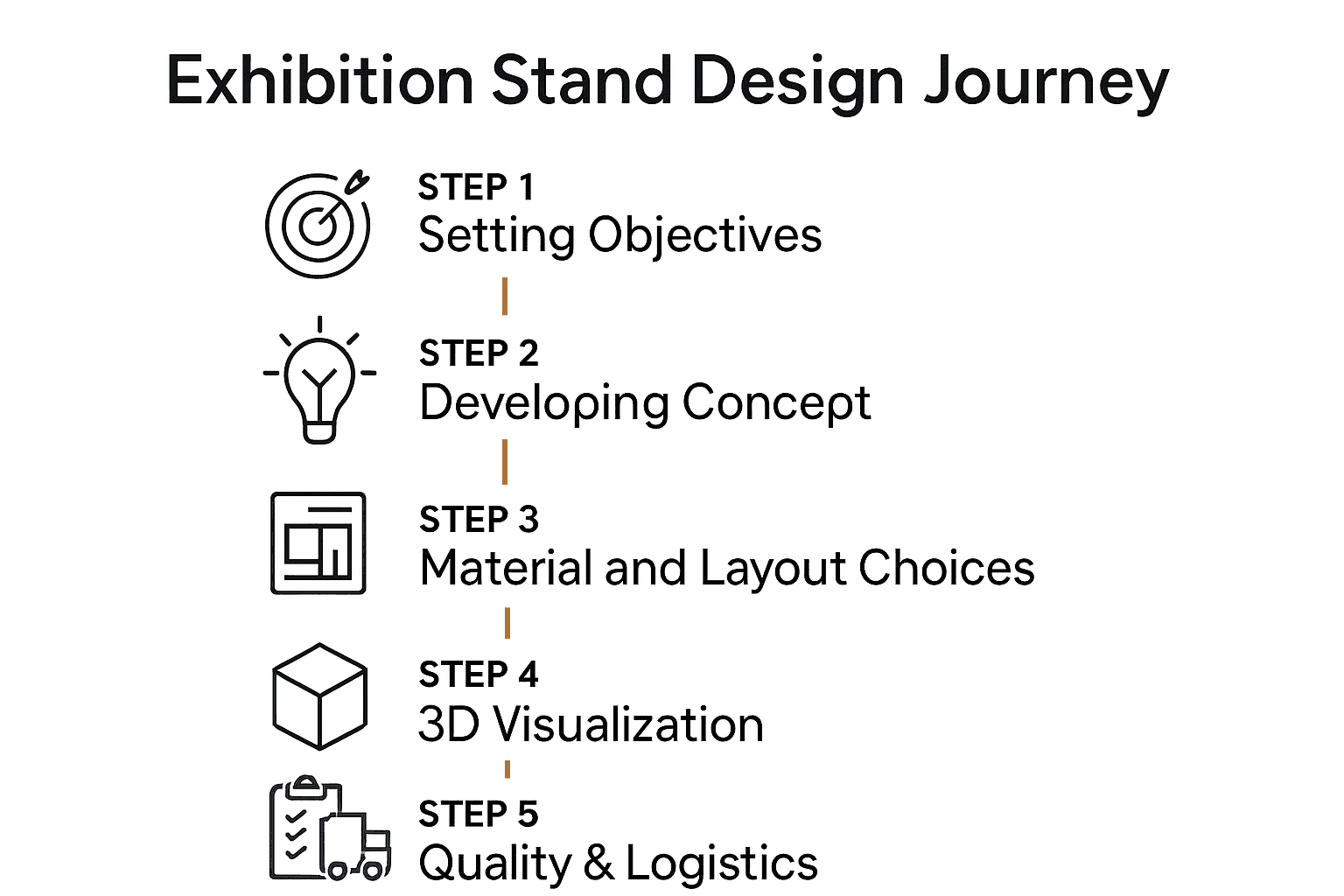
To design an exhibition stand, turn your visitor objectives into a clear brief, a workable layout and an agreed delivery specification. Review the concept alongside product dimensions, event conditions, service needs and full costs. Use drawings and prototypes to resolve uncertainties before production, then test the completed stand and demonstration at handover.
1. Design an exhibition stand around the visitor task
Define whom you need to meet, what they need to understand and the next action the team should support. A product inspection, software demonstration and confidential appointment require different spaces and equipment. Choose the activities the stand can realistically accommodate rather than adding every possible feature.
Collect the event and edition, allocated plan, open sides, current manual, products, equipment, team, brand assets and budget scope. Include dimensions, weights and intended operations of exhibits. Mark provisional information and assign someone to confirm it. An early brief can contain open decisions; it should make those decisions visible.
2. Develop the concept and main message
Write a concise message explaining the offer to the intended visitor. Decide which product or demonstration supports it. Develop a visual concept using the company’s actual brand guidelines, graphics and content. Review whether visitors can understand what is offered before relying on an animation or lengthy explanation.
Compare concepts against the same brief. Ask what each option improves, what it costs and what it requires to operate. A launch does not automatically need a touchscreen, and a restrained design does not automatically communicate better. Test the explanation with people unfamiliar with the product and record what they understand.
3. Resolve layout, materials and services together
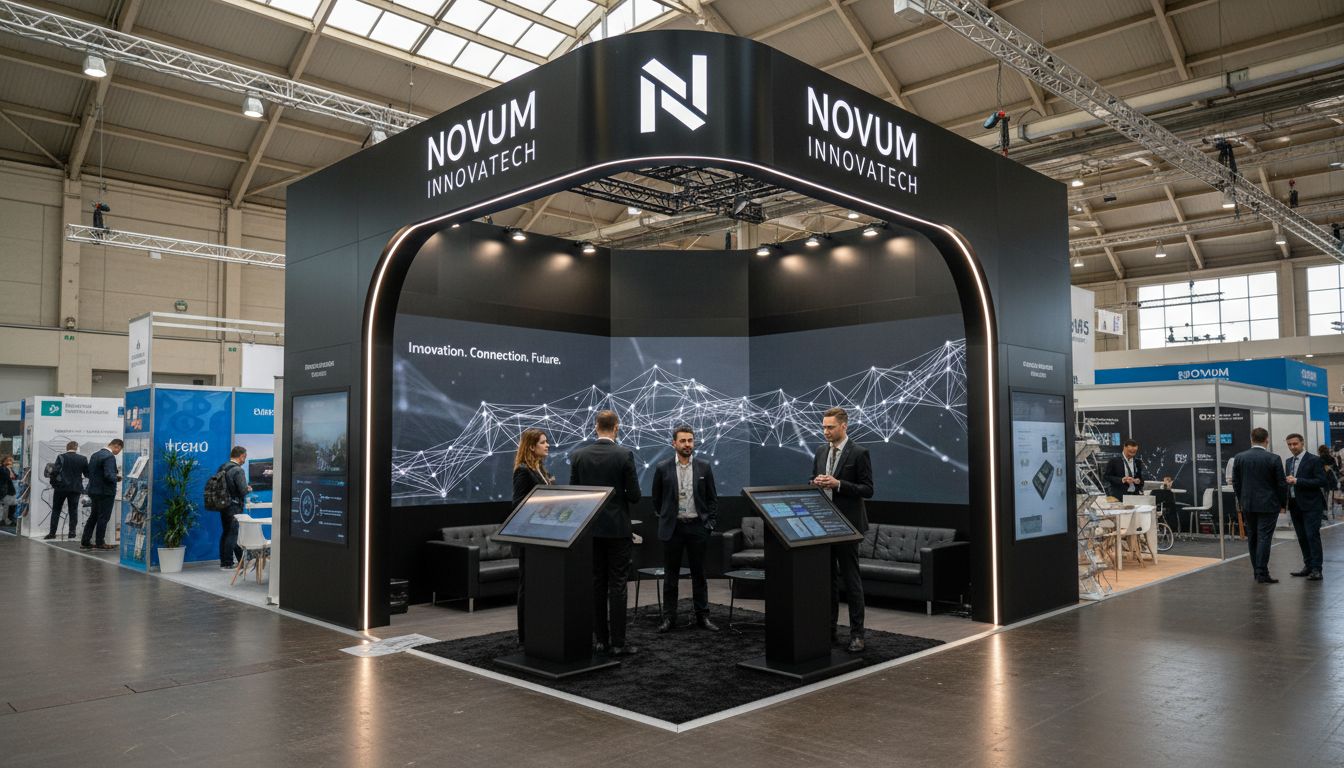
Use a dimensioned plan showing products, furniture, staff, visitors, waiting positions and storage. Walk through a realistic busy moment: an appointment may overlap a demonstration, and staff may need access to equipment or stock. Check approaches and sightlines from the actual open sides.
Choose materials for their specified use, finish, weight, handling, durability and potential reuse. Review samples under relevant lighting. A timber appearance does not establish premium quality, and an aluminium frame does not establish suitability for every load or layout. Ask for the evidence required by the current event conditions.
List electrical, network, water, audiovisual and other needs where applicable. Assign who confirms technical suitability, prepares submissions, orders services and obtains the required responses. Consult the Messe Frankfurt services resources as an example of the distinction between construction, logistics and technical requirements; use your own event’s current documents.
4. Review drawings and visualisations as different tools
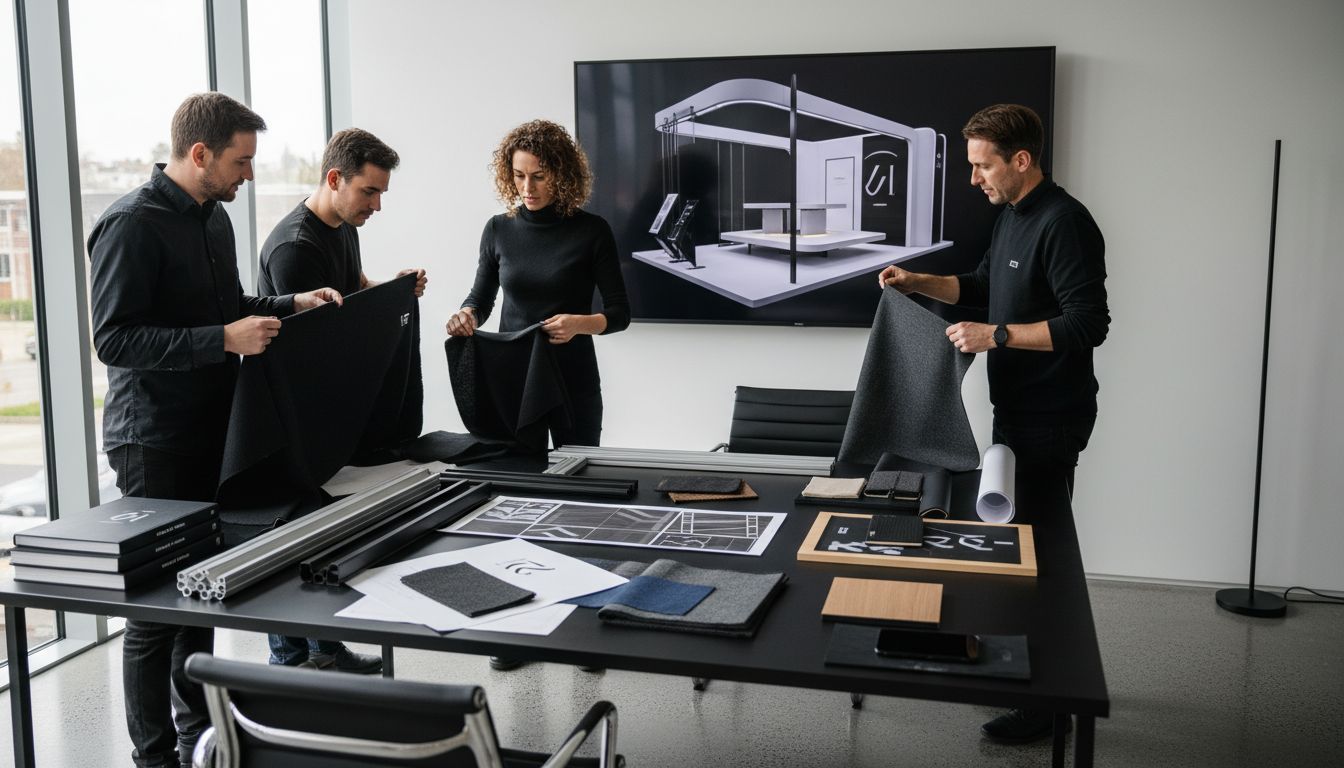
A 3D visualisation helps stakeholders understand appearance and spatial relationships. Dimensioned plans, elevations, specifications and technical information support different decisions. Request the views needed to answer actual questions, including product placement, graphic sizes, services and storage.
Check that the visualisation matches the quoted specification. Mark illustrative or provisional items. A rendering cannot confirm structural adequacy, venue acceptance or future visitor behaviour. Use a mock-up or demonstration rehearsal for questions that a picture cannot resolve.
Maintain one approved version and a decision record. Identify who can approve design, expenditure, artwork and changes. Record the cost, timing and technical effect of a proposed revision before it reaches production.
5. Approve the delivery plan and handover checks
Build the schedule from actual event and supplier deadlines. Include technical responses, final product information, artwork, production, transport, handling, installation, equipment testing and removal. Assign each dependency and identify the decision that releases the next stage.
| Approval point | What should be available |
|---|---|
| Brief | Objectives, plot, activities, products and unresolved information |
| Design | Dimensioned layout, visual concept, specification and full scope |
| Production | Required technical responses, final dimensions, artwork and authorised changes |
| Handover | Inspection, equipment test, issue list and support contacts |
| Close-out | Product collection, component inventory, condition and final costs |
Compare itemised costs for design, construction or hire, graphics, equipment, services, transport, installation, support, removal and storage. Include repairs and later changes if reuse is planned. The European exhibition budget guide helps organise the comparison.
Use the completed stand and debrief to improve the next brief
At handover, inspect the approved specification and rehearse the actual demonstration. Record incomplete work with an owner and completion time. Confirm event support and removal arrangements. After the event, review operational issues, full costs and defined commercial outcomes separately.
To discuss a design with Adam Expo Stand, send the event, plot, visitor activities, product information and budget scope through the project contact form. Request a proposal connecting the concept to deliverables, responsibilities and the confirmed schedule.
Follow our exhibition planning guides
Choose Adam Expo Stand as a preferred source to help you find our exhibition guides and updates on Google.
Add as a preferred source on GoogleGoogle may ask you to sign in and confirm your choice.