By Adam Dragos, Exhibitor Success Specialist · Sources reviewed 12 October 2026
Quick answer: Write an exhibition stand photography brief around the images you will actually use: required views, product details, permitted people, publishing destinations and delivery files. Book access after the stand is ready, agree the applicable permissions and name the person who approves the images.
Start with the publishing destination
List where the images are intended to appear: website case study, sales presentation, social post, internal record or a future stand brief. Decide which image must explain the full stand and which must show a particular design choice. Give the photographer a priority order so limited access is used on the most useful views.
Ask for the file formats, orientation and crop flexibility each destination needs. Specify any branding that must remain legible. Keep a version without added text when later layouts may change. Agree what is included in editing and delivery, rather than treating every additional crop as part of the original booking.
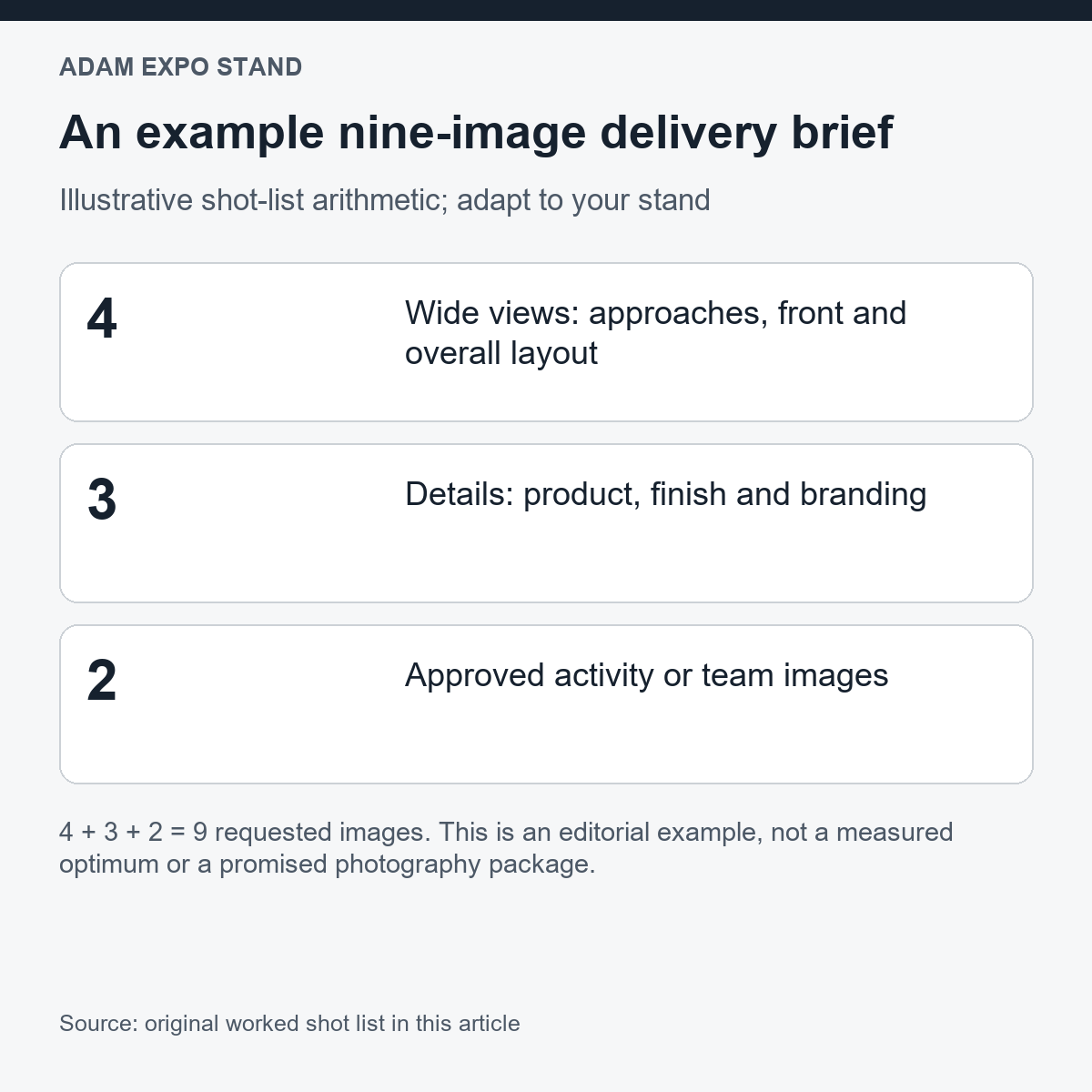
| Group | Requested views | Count |
|---|---|---|
| Wide | Two main approaches, frontal view, overall layout | 4 |
| Details | Hero product, selected finish, brand/signage detail | 3 |
| Activity | Two agreed team or demonstration images with necessary permissions | 2 |
| Total | 4 + 3 + 2 requested deliverables | 9 |
Schedule against a ready stand
Confirm when construction, cleaning, lighting checks and product placement will be complete. Name the exhibitor representative who can make the stand ready and resolve a missing item. Keep a short preparation list for bags, packaging, furniture, screen content and approved product positions.
Agree access and the effect of visitor traffic on each view. If a clear overall image is important, discuss a suitable permitted window with the organiser and photographer. Avoid promising an empty hall or unrestricted access before the actual event arrangements are confirmed.
Put permissions and confidentiality in the brief
Identify people and products that may appear, who authorises their inclusion and the intended uses. Confirm the venue and organiser’s photography requirements. Ask the appropriate owner or adviser to resolve image rights, personal data and third-party material for the actual purpose before publishing.
Mark confidential screens, unreleased products and neighbouring displays that must stay out of frame. Share that restriction with the photographer and image approver. Keep access codes, visitor records and private documents away from the shoot area. Review the background as carefully as the main subject.
Review delivery against the original request
Use the shot-list identifiers when reviewing the delivered files. Check the intended subject, focus, readable branding, framing and any prohibited background content. Record requested corrections and the approved version. Keep a simple usage record linking each approved file to its permitted destinations.
Write captions from verified project information: company, event, date and design detail only where confirmed and permitted. A photograph can show a display arrangement; it cannot prove increased leads or return on investment. For a future redesign, record what the image helps explain and what still needs measurements or drawings.
Video: stand design context
A reused approved-channel video about stand graphics, included as context for views that communicate branding. It is not a record of the photography example above.
Frequently asked questions
How many images should a stand photography brief request?
Choose views by intended use and stand layout. The nine-image example is a planning illustration, not a universal package.
Can the same photograph be used everywhere?
Confirm the agreed usage, subjects’ permissions, destination format and any restrictions before reusing it.
Check the approved branding before photographing the stand. Explore Adam Expo Stand exhibition services.
Prepare the next step
Send Adam Expo Stand the stand plan, intended publishing destinations and required design views so photography coordination can be discussed as part of the project brief. Discuss your stand brief.
Adam Expo Stand: exhibition stand design and build for European trade fairs. Find more exhibitor planning guides.
Follow our exhibition planning guides
Choose Adam Expo Stand as a preferred source to help you find our exhibition guides and updates on Google.
Add as a preferred source on GoogleGoogle may ask you to sign in and confirm your choice.