Exhibition displays for tech brands should help a relevant visitor understand a product, test a useful task and agree a next step. Invest against a defined communication problem and event objective. Compare the display, content, equipment, staffing and complete delivery costs together, then decide what evidence will show whether the investment worked.
Define the purpose of exhibition displays for tech brands
Begin with the visitor’s question. A software buyer may need to understand a workflow, an engineer may need to inspect a component, and a partner may need a private discussion. These tasks require different arrangements. Record the intended audience, the product question, the demonstration and the next action before selecting screens or finishes.
Write the main message in language that the intended visitor can understand. Show what the product does and whom it helps. Detailed specifications can support a conversation or a deeper demonstration; they do not all need to occupy the main wall. Check that the message remains clear when equipment is switched off.
Match the display to what visitors need to do
| Visitor task | Possible display approach | What to verify |
|---|---|---|
| Understand a process | A clear diagram with an explained sequence | Message comprehension and readable detail |
| Try software | A supervised demonstration station | Task completion, reset and connection needs |
| Inspect hardware | A suitable product support and demonstration position | Dimensions, handling and technical requirements |
| Discuss implementation | A conversation area with relevant reference material | Team coverage and suitable privacy |
| Choose a next step | A clear appointment or follow-up process | Information required and named action owner |
These are planning options rather than proven performance rankings. A larger screen, augmented-reality application or elaborate structure needs a reason within the task. A physical sample and a knowledgeable demonstrator may be the better choice for a particular product.
Evaluate construction and content separately
A display can combine modular components, custom features, hired furniture and digital content. These categories overlap. Compare dimensioned layouts and specifications rather than assuming that custom construction is premium, portable displays are modest or digital displays are inherently innovative.
Put staff, visitors, equipment and waiting space on the plan. Include storage and access to controls, power and service points. Review what changes at later events and which components remain useful. The small booth planning guide helps assess competing activities when space is limited.
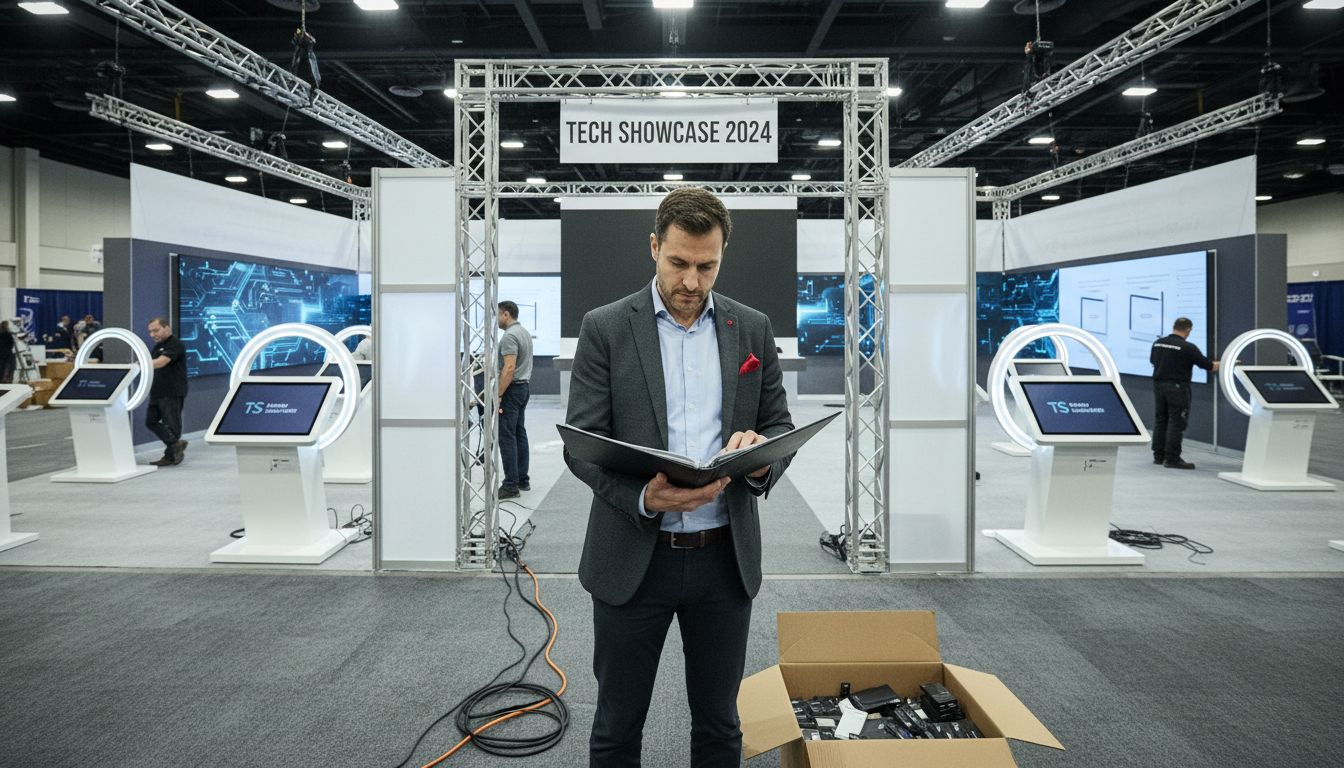
Prototype the demonstration before committing the full budget
Prepare the actual content and test the full visitor task on representative equipment. Observe whether someone unfamiliar with the product can understand where to start, complete the intended sequence and explain the result. Record problems and revise the demonstration before approving final production.
Use appropriate demonstration data and approved access. Assign responsibility for licences, content versions, devices, connections and technical support. Rehearse startup, reset, a failed connection and the fallback explanation. Avoid depending on an untested integration or on a single colleague who also has meetings elsewhere.
For web-based demonstration content, the W3C WCAG quick reference provides accessibility criteria covering matters such as alternatives for non-text content, captions and keyboard operation. Apply the relevant criteria and test the implemented content. This does not certify the physical stand or every aspect of the visitor experience.
Budget for the complete display and its operation
Include design, manufacture or hire, graphics, equipment, content production, software, licences, connectivity, packing, freight, handling, installation, support and removal. For retained equipment, include storage, repair and changes needed at later events. Keep venue services and team participation costs visible when assessing the wider exhibition.
Compare quotations on the same specification and responsibilities. Record exclusions, taxes, assumptions, payment dates and change conditions. The European exhibition budget guide helps organise these headings. A low hardware price is incomplete if the content and operating support remain uncosted.
Measure the objective without inventing financial value
Define suitable measures before the event. These might include completed demonstrations, relevant conversations, agreed appointments, qualified opportunities and confirmed outcomes. State definitions, the observation period and who records the data. Keep technical failures and incomplete demonstrations in the review so that performance is not judged only from successful encounters.
Visitor counts, dwell time and estimated media exposure can inform a review, but they do not establish financial return by themselves. Do not assign an arbitrary monetary value to awareness and report it as earned profit. Where financial ROI is assessed, agree the attributed profit contribution, full costs and calculation method with the business’s responsible team.
Approve investment in stages
Use the brief to approve the proposed task, the prototype to approve the explanation and the final specification to approve delivery. At handover, test the actual equipment and content, confirm support contacts and record outstanding work. After the event, compare costs and outcomes with the objective and retain specific changes for the next brief.
To discuss a display with Adam Expo Stand, send the event, plot, product, visitor task, equipment requirements and budget scope through the project contact form. Request a proposal showing construction, content interfaces, technical dependencies and delivery responsibilities.
Follow our exhibition planning guides
Choose Adam Expo Stand as a preferred source to help you find our exhibition guides and updates on Google.
Add as a preferred source on GoogleGoogle may ask you to sign in and confirm your choice.