

A trade show manager coordinates an exhibitor’s objectives, budget, suppliers, team and event delivery. The role connects decisions that otherwise sit in separate departments: space booking, stand design, product logistics, demonstrations, appointments and follow-up. A clear responsibility schedule and a shared decision record help the team know what is confirmed, what is pending and who must act.
Define the trade show manager’s authority
This guide concerns the person managing a company’s participation, rather than the organiser managing the whole exhibition. Agree which decisions the manager can make and which need approval from marketing, procurement, finance, technical specialists or another owner. Record the person who can approve design, expenditure and changes.
The manager can coordinate requirements without personally certifying every structure, installation or product demonstration. Assign competent specialists and obtain the applicable organiser or venue responses. Avoid assuming that one job title carries every technical responsibility.
Turn the objective into a brief and delivery plan
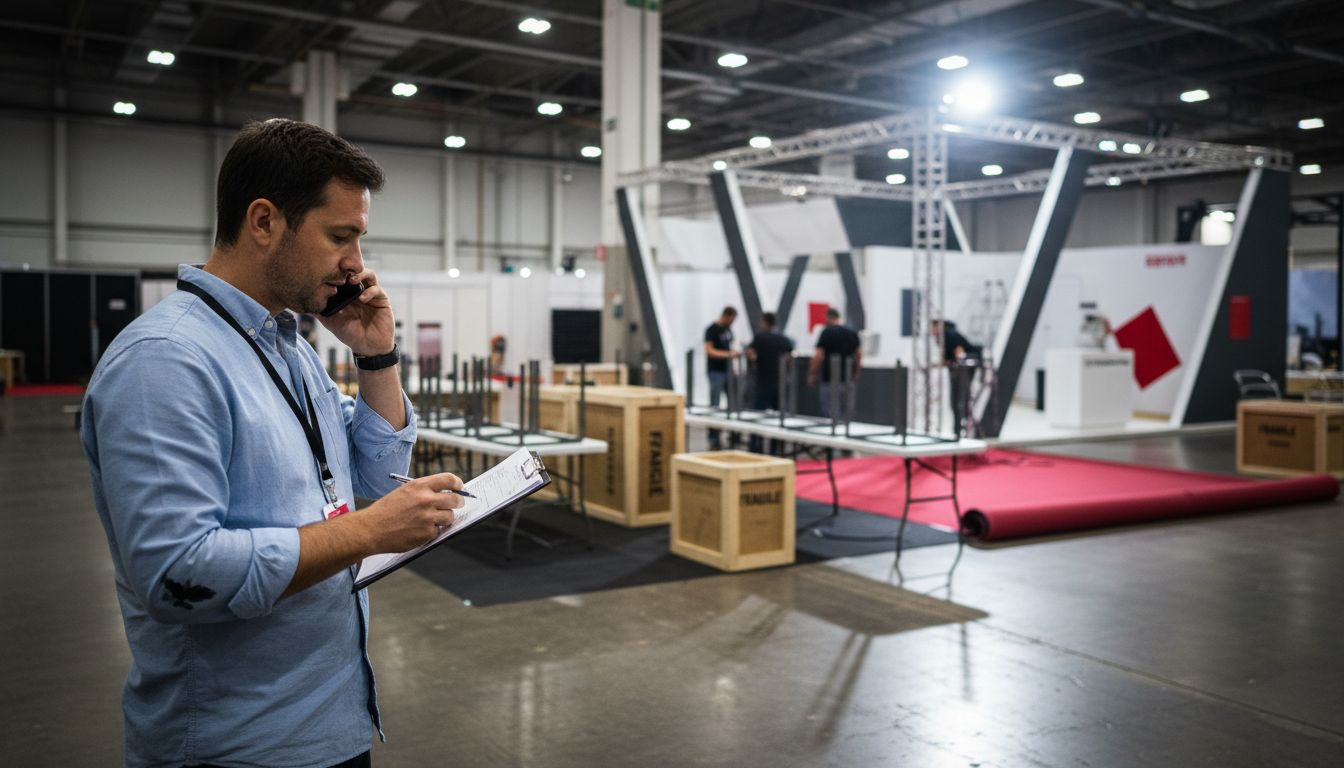
Specify whom the team intends to meet, the questions the display will answer and the next actions it should support. Translate that into products, demonstrations, meetings, content and staffing. Give the stand supplier the allocated plot, current event manual, exhibit specifications and budget scope.
Build a plan around confirmed event and supplier deadlines. Include drawings, technical review, artwork, service orders, production, freight, handover and removal. Mark dependencies: production may need final product dimensions, and a service order may depend on the approved layout. Assign a person and next action to each unresolved item.
Keep one working record of responsibilities
| Workstream | Manager’s coordination task | Evidence to retain |
|---|---|---|
| Booking | Confirm edition, plot and participation scope | Booking and allocated plan |
| Stand | Coordinate design, specification and authorised changes | Approved drawings and offer |
| Services | Assign orders, payment and technical contacts | Order confirmations and relevant responses |
| Products | Coordinate delivery, handling, demonstration and return | Inventory and agreed movement plan |
| People | Plan passes, briefings, appointments and cover | Team schedule and escalation contacts |
| Results | Assign follow-up and review defined measures | Actions, cost close-out and debrief |
For example, IFEMA MADRID’s Zona Expo provides processes for participation, documents, accesses and service ordering. Use the tools and conditions for your own event. A shared internal tracker should point to the current approved records rather than competing versions.
Manage the complete budget and changes
Separate planning estimates, committed orders and final costs. Include the stand, organiser services, freight, handling, support, removal, storage, team travel and other agreed participation expenses. Identify taxes, exclusions, payment dates and the party placing each order.
Agree how a proposed change is described, priced and approved before execution. Record its schedule effect and update the plan. Set any contingency against the actual project’s uncertainties and company policy, rather than presenting a fixed percentage as suitable for every exhibition. The European exhibition budget guide helps organise the cost headings.
Prepare people and practical alternatives
Brief the team on product messages, demonstrations, appointment handovers and the information needed to agree a useful next step. Arrange cover so activities continue during breaks. Identify who can answer technical, commercial and delivery questions.
Prepare alternatives for specific dependencies: a recorded walkthrough if a connection fails, a suitable sample if a display is delayed, or a revised appointment arrangement if a colleague is unavailable. Check that the alternative is acceptable and can actually be delivered. Naming a backup supplier is insufficient without knowing its availability and scope.
Inspect handover and coordinate opening
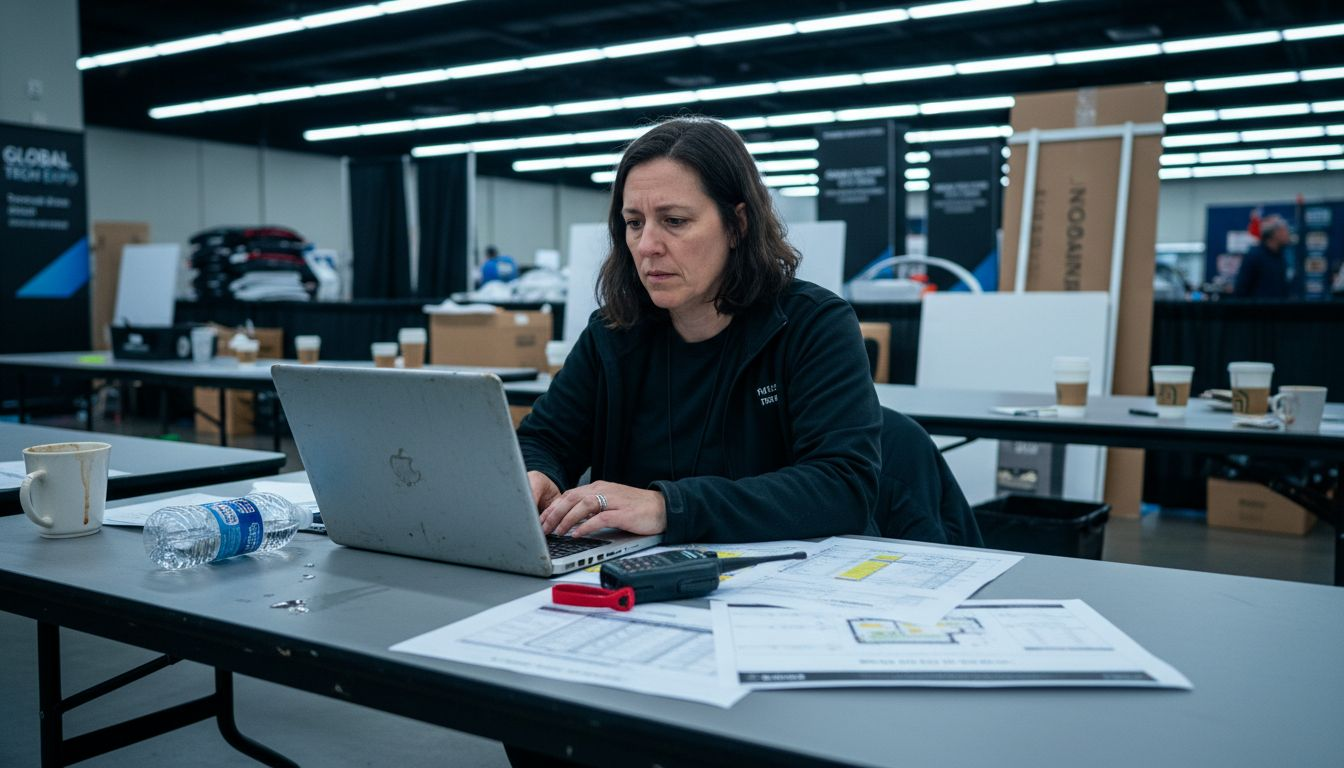
Agree a handover appointment with the supplier and the people needed to test products and equipment. Check the approved specification, graphics, lighting, screens, storage and presentation. Record outstanding work with an owner and completion time. Communicate any limitation to the staff using the stand.
During the event, maintain a concise issue record and use the agreed escalation contacts. Distinguish a fault, a new requirement and a commercial change. Keep demonstrations, queues and meetings within the planned arrangement and obtain the relevant advice when conditions change.
Close the event with costs, inventory and actions
Coordinate product collection, rental returns and retained components before dismantling begins. Reconcile the inventory, record condition and confirm storage or onward delivery. Compare final costs with the approved commitments and explain differences.
Assign each agreed visitor follow-up to a named colleague. Review relevant conversations, appointments, opportunities and confirmed outcomes separately. The manager should make the evidence usable for the next decision; a large scan count or an attractive stand photograph cannot establish the commercial result alone.
Assess capability through relevant work
Useful capabilities include planning, supplier coordination, clear communication, budget control and practical event judgement. Requirements for education, credentials and years of experience depend on the employer and role. Assess examples of decisions, delivery records and issue resolution rather than treating one degree or certification as universally mandatory.
To discuss stand delivery with Adam Expo Stand, send the event, plot, brief and responsibility requirements through the project contact form. Request a proposal that makes the manager’s coordination points and the supplier’s work explicit.
Follow our exhibition planning guides
Choose Adam Expo Stand as a preferred source to help you find our exhibition guides and updates on Google.
Add as a preferred source on GoogleGoogle may ask you to sign in and confirm your choice.
